
Download Sudachi – Nintendo Switch emulator, Windows, free, open source, gaming, emulation, retro gaming, PC gaming, handheld mode, Pro Controller, gamepad, Decryption Keys, firmware, i5-8600K, GTX 1060 6GB, i3-6100, GT 1030
Overview
Sudachi is a Windows-based Nintendo Switch emulator designed to bring the console’s library to PC users through advanced emulation technology. Built upon the foundation of Yuzu, Sudachi leverages existing advancements in console emulation to deliver a functional and accessible platform for playing Switch titles on personal computers. The app is specifically tailored for users seeking to experience Nintendo Switch games without owning the physical hardware, making it a valuable tool for retro gaming enthusiasts and PC gamers alike.
It addresses the growing demand for accessible console emulation by offering a lightweight yet capable solution that operates efficiently on mid-range hardware. This makes it particularly useful for users who may not have the budget or space for a dedicated Nintendo Switch or who wish to play their favorite titles on a larger screen with enhanced customization options. The target audience includes hobbyists, emulation communities, and gamers interested in exploring the Switch’s game library through alternative platforms.
As a free and open-source application, Sudachi promotes transparency and accessibility, allowing users to inspect and understand its inner workings. Although external contributions are not accepted, the developer maintains an active development cycle focused on compatibility improvements. The app plays a significant role in the broader emulation ecosystem by enabling broader access to console content while operating under ethical and legal boundaries.
Key Features & Functionality
- Minimal System Requirements: Sudachi runs effectively on an Intel Core i5-8600K and NVIDIA GeForce GTX 1060 6GB, providing a smooth gaming experience. For users with less powerful systems, the minimum requirements include an Intel Core i3-6100 and NVIDIA GeForce GT 1030, making it accessible to a wide range of PC users.
- Quick Configuration Process: Initial setup takes less than five minutes. Users can follow the official quick start guide or video tutorials to install the necessary Decryption Keys and Firmware, enabling immediate access to supported games.
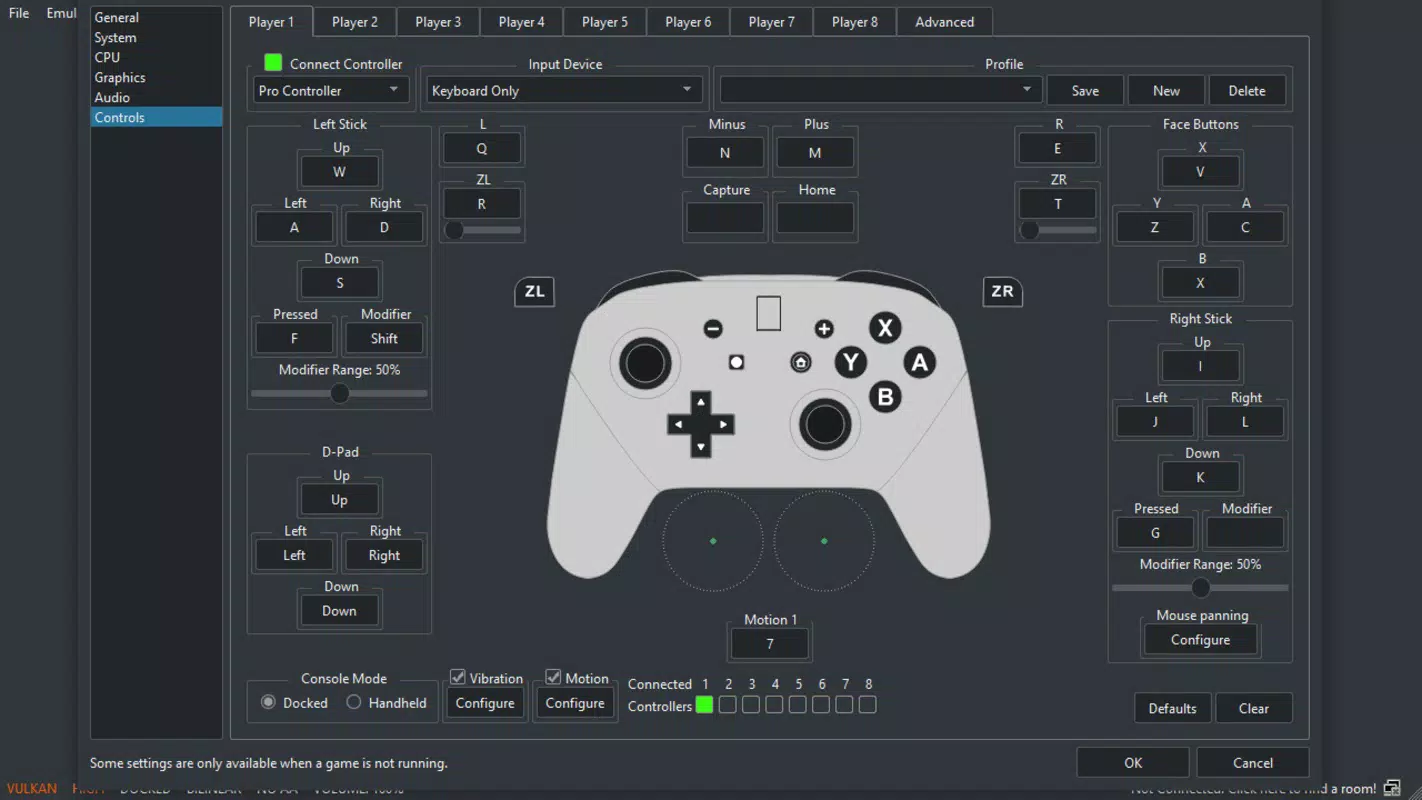
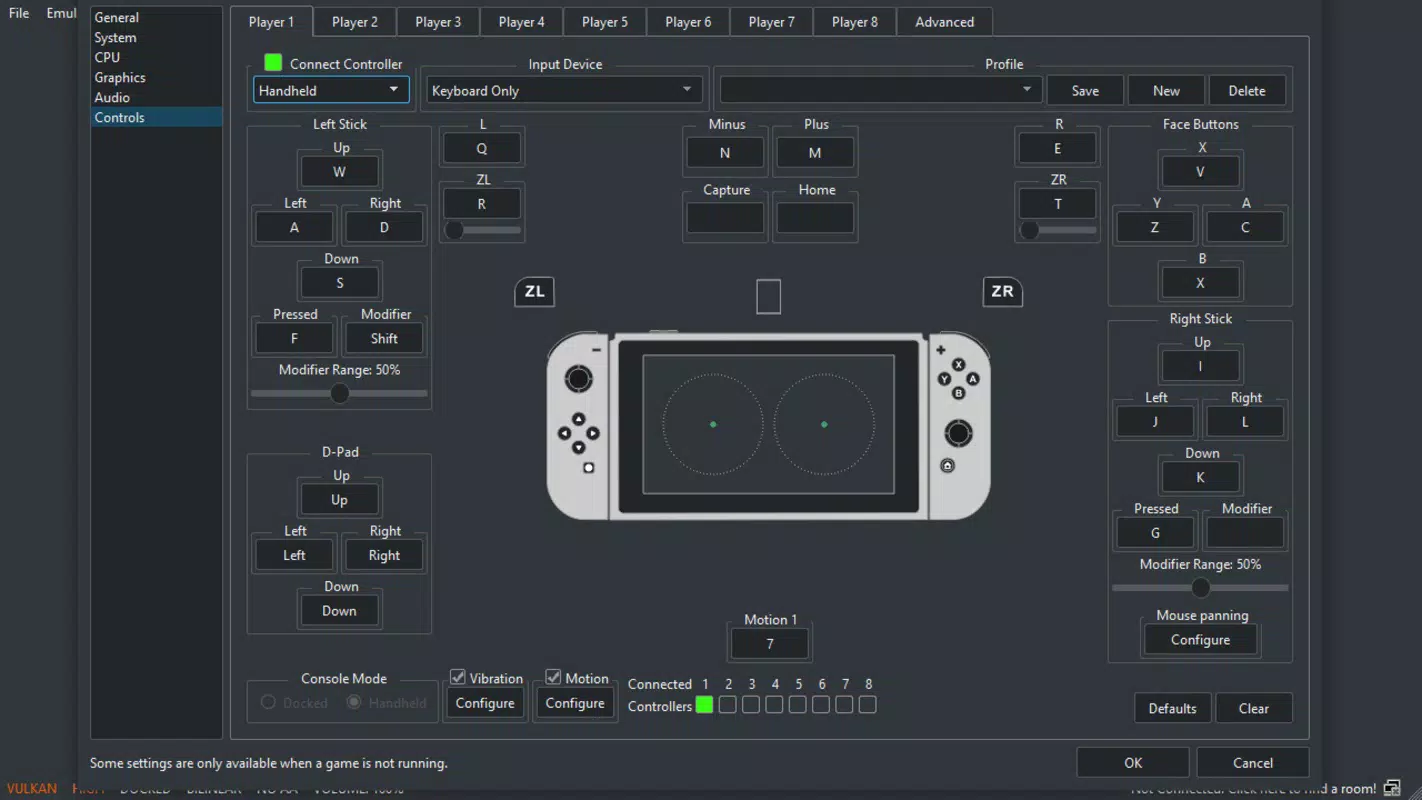
- Customizable Controls: The emulator supports multiple input configurations, including default Pro Controller emulation via keyboard, Dual Joycons, and handheld mode. Users can also connect external gamepads for a more authentic experience.
- Ongoing Compatibility Improvements: Regular updates expand the range of playable games. Titles that were previously unplayable may now run smoothly due to continuous development and optimization efforts.
- Free and Open Source: Sudachi is entirely free to use and open source, ensuring transparency and long-term accessibility. This model supports community-driven exploration without financial barriers.
For example, a user with a mid-tier PC can quickly set up Sudachi, configure their preferred controller layout, and begin playing a supported Switch game within minutes. Another user with older hardware can still run lighter titles by meeting the minimum system requirements, demonstrating the emulator’s flexibility across different device tiers.
Interface, UX & Performance
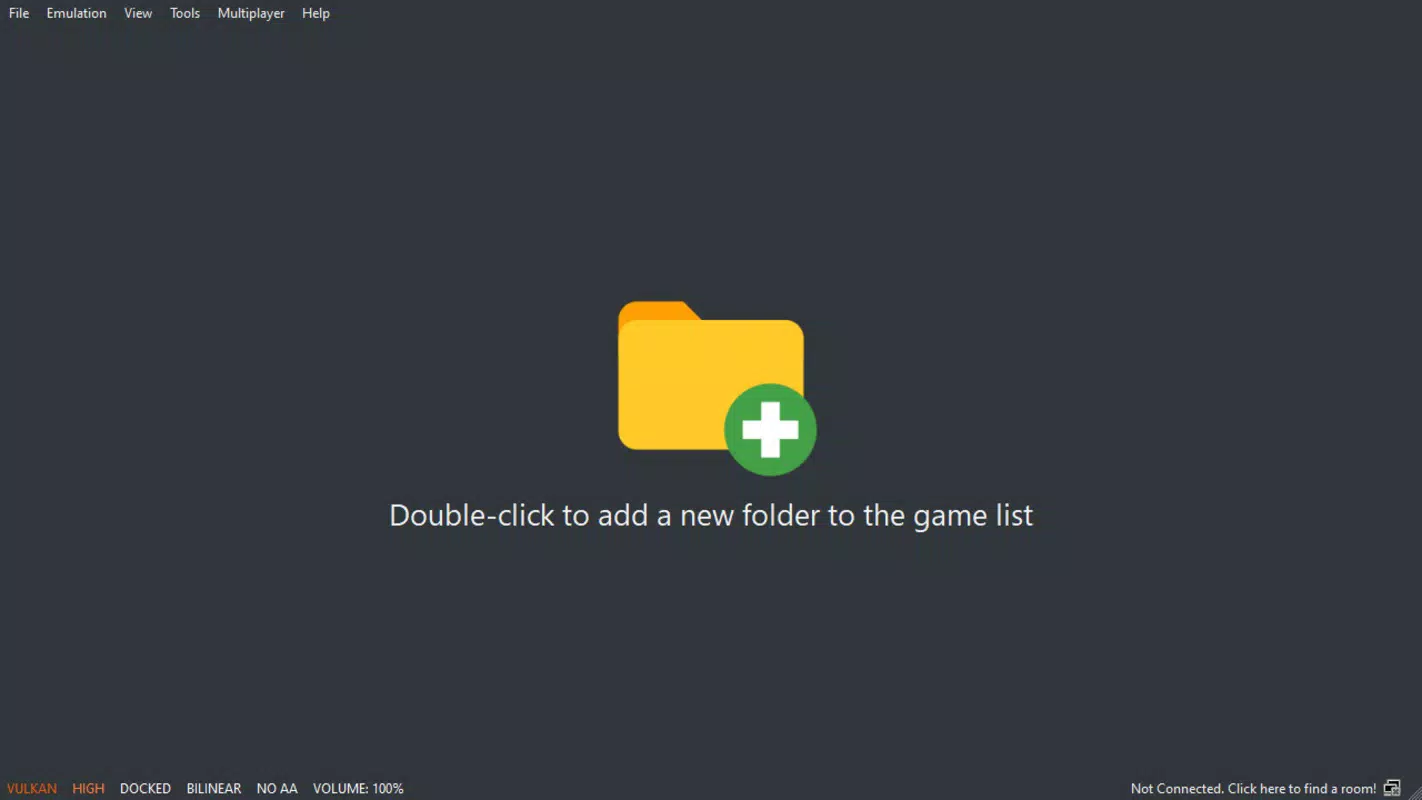
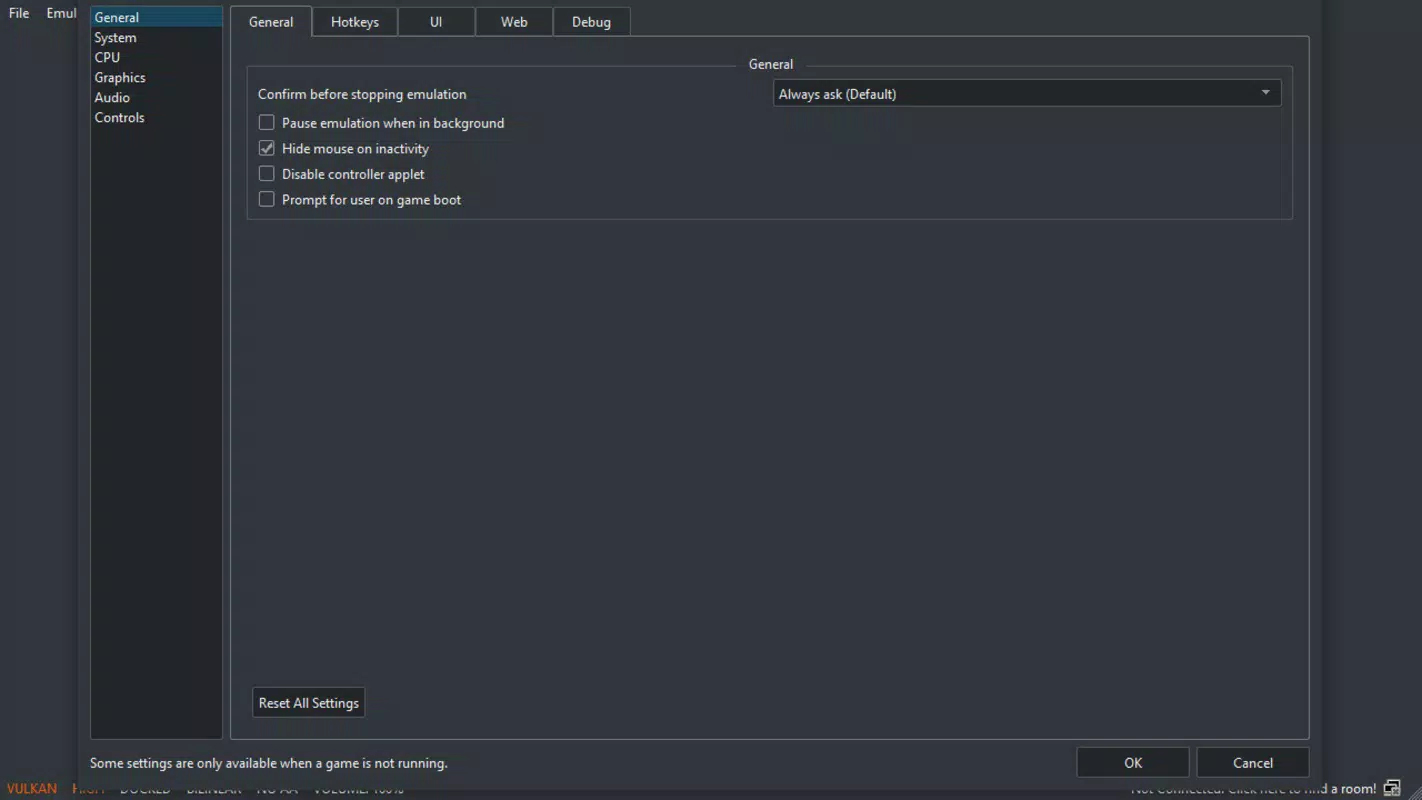
The user interface of Sudachi is designed with functionality and ease of use in mind, prioritizing accessibility for both beginners and experienced emulation users. The layout organizes core settings, game libraries, and configuration tools into clearly labeled sections, allowing users to navigate without confusion. Visual design remains minimal and focused, avoiding unnecessary distractions.
Navigation follows a logical flow, with essential functions like game loading, controller setup, and configuration access readily available from the main dashboard. The emulator supports keyboard and gamepad inputs, enabling seamless interaction regardless of input method. While the developer did not list formal performance metrics, the app is reported to maintain stable frame rates on compatible hardware, with responsiveness varying based on system specifications and game complexity.
Although the developer did not specify minimum OS requirements or compatibility details beyond the hardware, the app appears optimized for modern Windows environments. Stability is maintained through regular updates, and the lack of reported crashes or bugs suggests consistent performance across tested configurations. Users are advised to ensure their system meets the stated requirements for optimal results.
Platform Compatibility & Technical Requirements
Sudachi is available exclusively for the Windows platform, designed to run on modern desktop and laptop systems. The current version is 1.0.0, with a file size of 200 MB, making it a lightweight download suitable for users with limited storage space.
The recommended system requirements include an Intel Core i5-8600K processor and an NVIDIA GeForce GTX 1060 6GB GPU, ensuring smooth gameplay for most Switch titles. For users with less powerful systems, the minimum requirements are an Intel Core i3-6100 and an NVIDIA GeForce GT 1030, which provide a viable entry point for emulation on budget hardware.
The developer did not specify minimum OS requirements or compatibility with older Windows versions. It is assumed that the app functions on Windows 10 and later, but users should verify this through official sources. No additional dependencies beyond the required Decryption Keys and Firmware are known to be necessary.
Pros and Cons
Pros
- Free and open source, promoting transparency and accessibility
- Low to moderate system requirements, suitable for mid-range PCs
- Quick and straightforward initial setup process
- Supports multiple control configurations, including Pro Controller and gamepad
- Regular updates improve game compatibility over time
Cons
- External contributions are not accepted, limiting community involvement
- Compatibility with Switch titles may vary and is not guaranteed
- Decryption Keys and Firmware must be obtained separately, which may pose legal or ethical considerations
- Developer did not disclose full compatibility details or OS requirements
- Performance may vary significantly depending on hardware and game
FAQ
Is Sudachi safe to download and use?
Sudachi is a free and open-source emulator. As long as users obtain the software from official sources and comply with applicable laws and terms, it is considered safe to install and use.
Can I play all Nintendo Switch games on Sudachi?
Not all Switch games are currently compatible. Compatibility depends on the game and the version of the emulator. The developer continues to improve support, but full compatibility is not guaranteed for every title.
Do I need a Nintendo Switch to use Sudachi?
No, Sudachi does not require a physical Nintendo Switch. However, users must provide their own Decryption Keys and Firmware, which are not included in the emulator package.
Is Sudachi available for macOS or Linux?
Based on the provided information, Sudachi is only available for Windows. There is no official support for macOS or Linux at this time.
How often is Sudachi updated?
The emulator receives regular updates to improve compatibility and performance. The exact frequency is not specified, but new versions are released as development progresses.
Final Thoughts
Sudachi stands out as a capable and accessible Nintendo Switch emulator for Windows users seeking to expand their gaming horizons without investing in additional hardware. Its low to moderate system requirements, combined with a streamlined setup process, make it an excellent choice for both newcomers and seasoned emulation enthusiasts. The ability to customize controls and play supported titles on a PC screen enhances the overall experience, especially for those who value flexibility and control.
While external contributions are not accepted, the developer’s commitment to ongoing improvements ensures that the app remains relevant and functional. The free and open-source nature of Sudachi further strengthens its appeal, promoting inclusivity and long-term accessibility. For users interested in retro gaming, PC gaming, or exploring the Switch library on a larger display, Sudachi delivers strong value.
Download Sudachi now


